
Free AI image to image generator Change any photo into a new image – no sign up, one sentence.
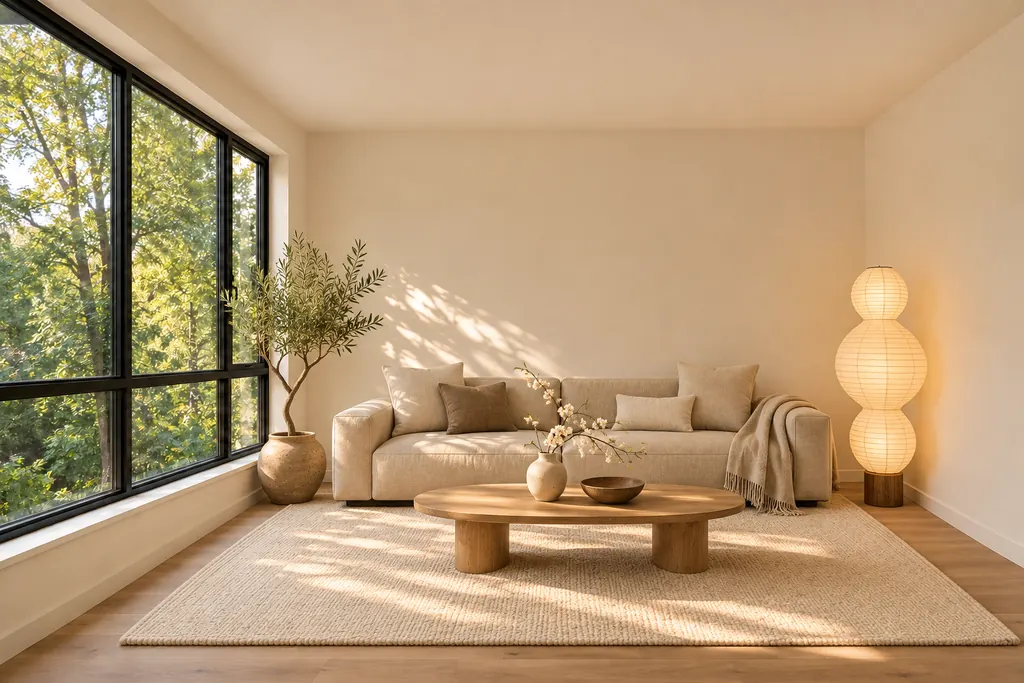
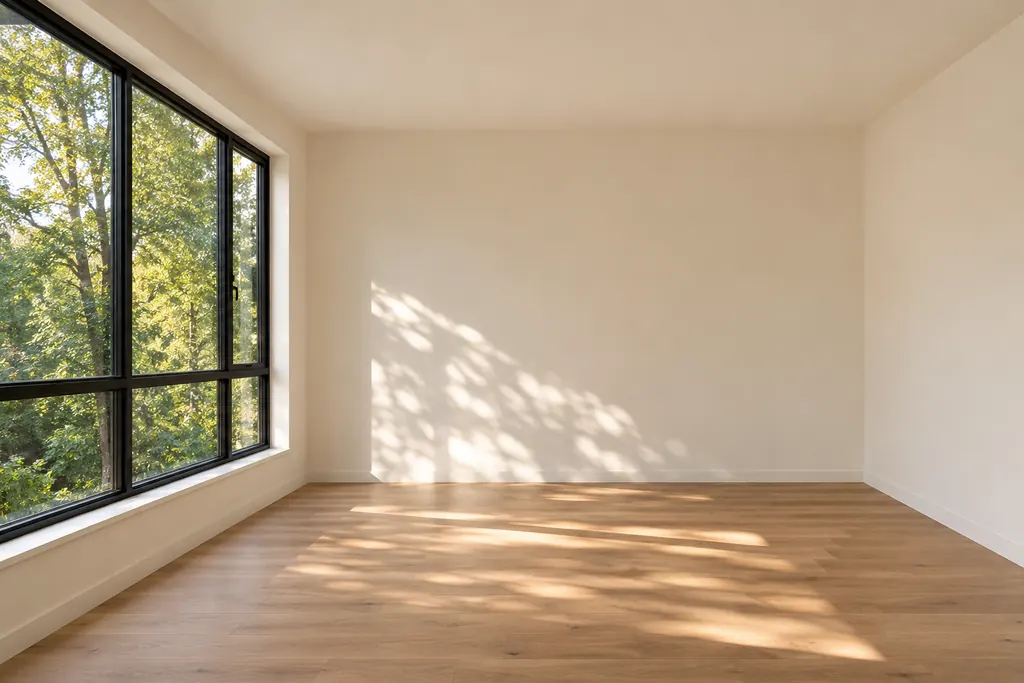
Examples made with this tool are labeled. Results vary.
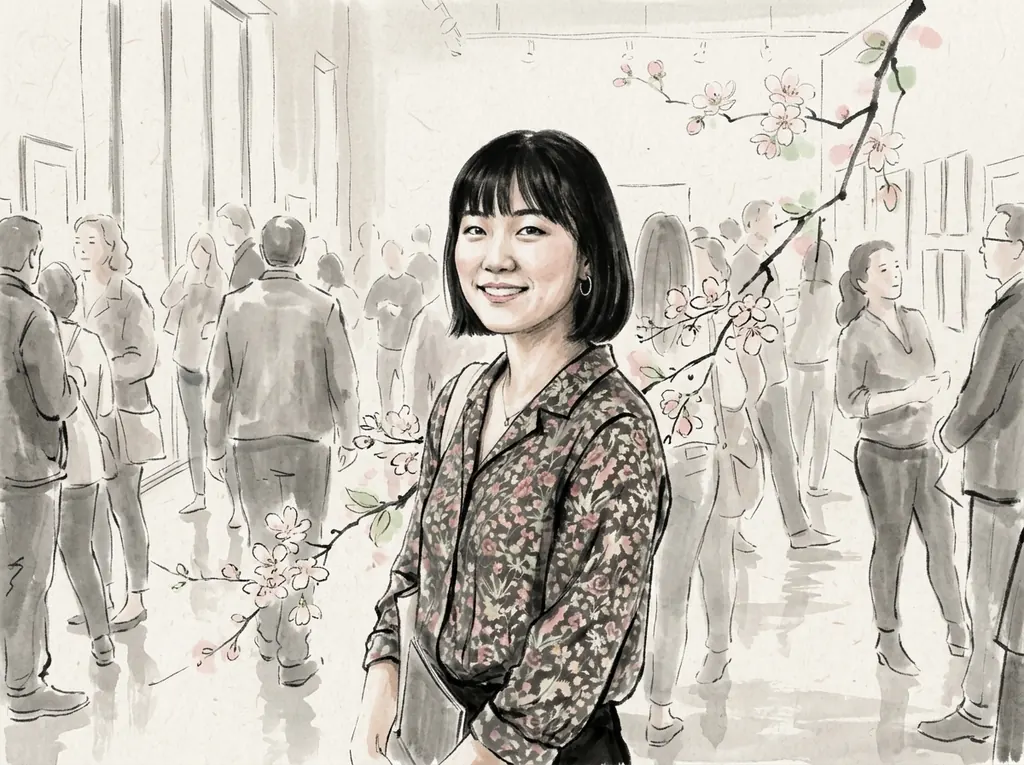
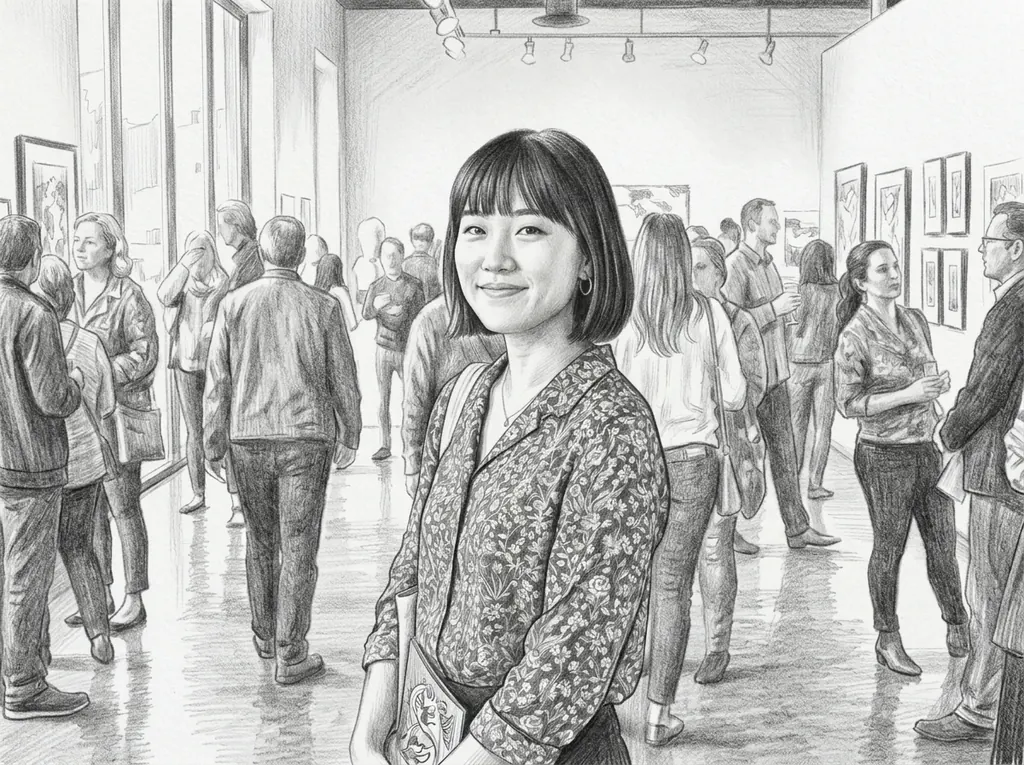
AI image to image examples: before and after
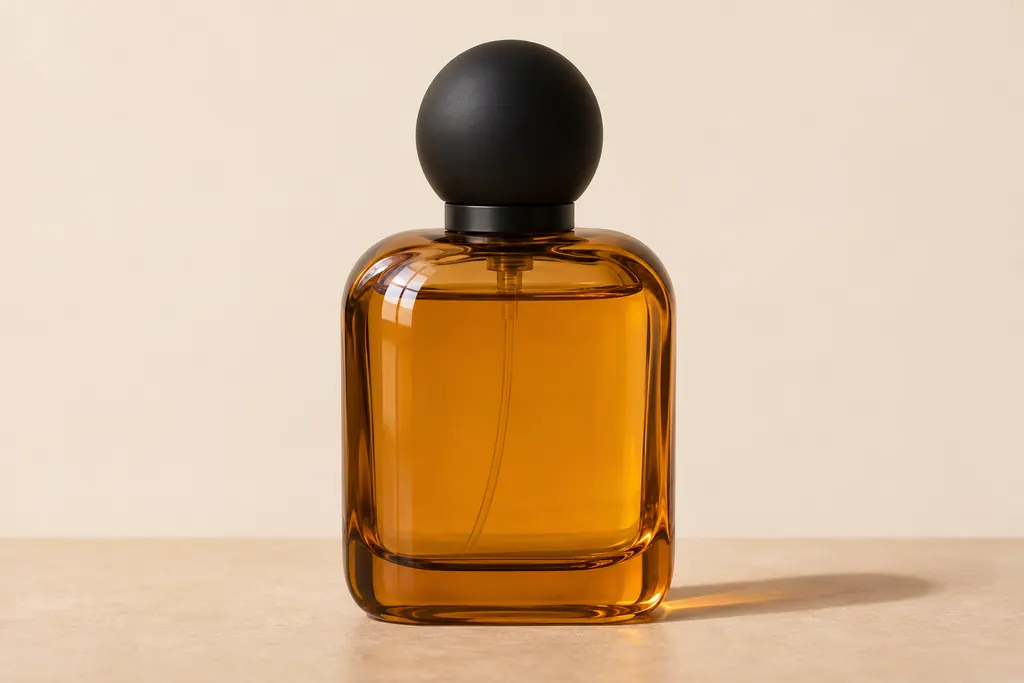
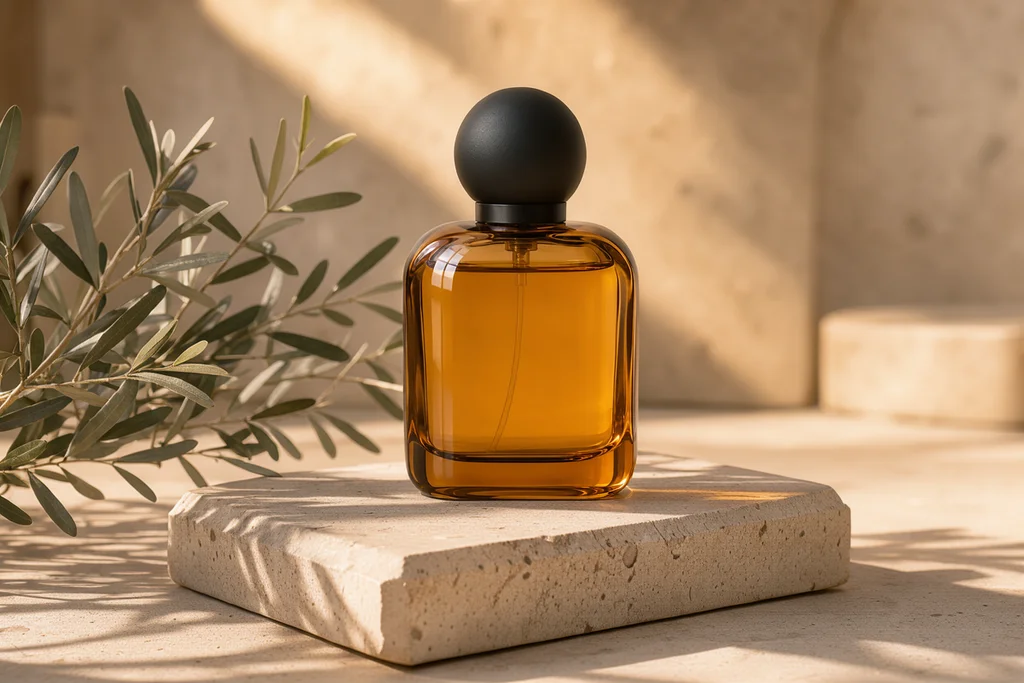
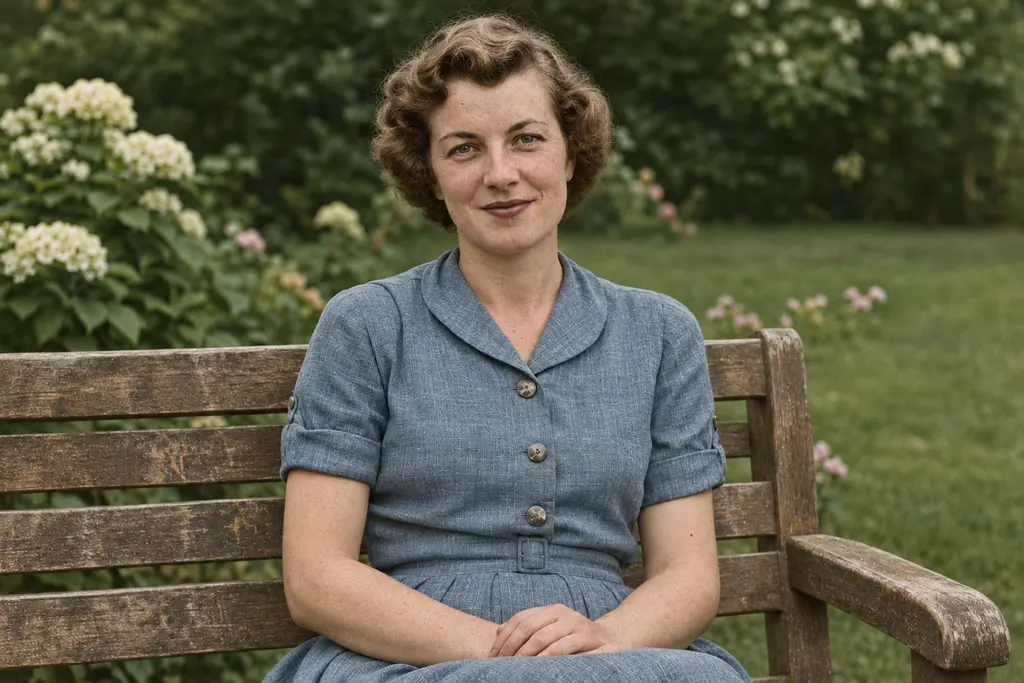
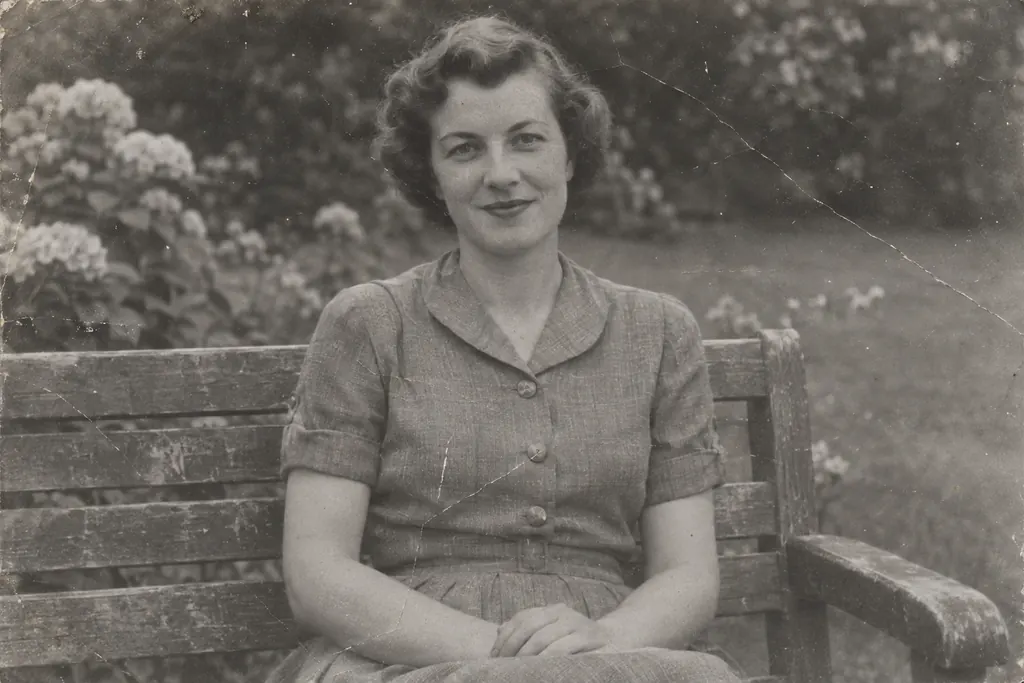
“Remove the scratches, then bring back color.”
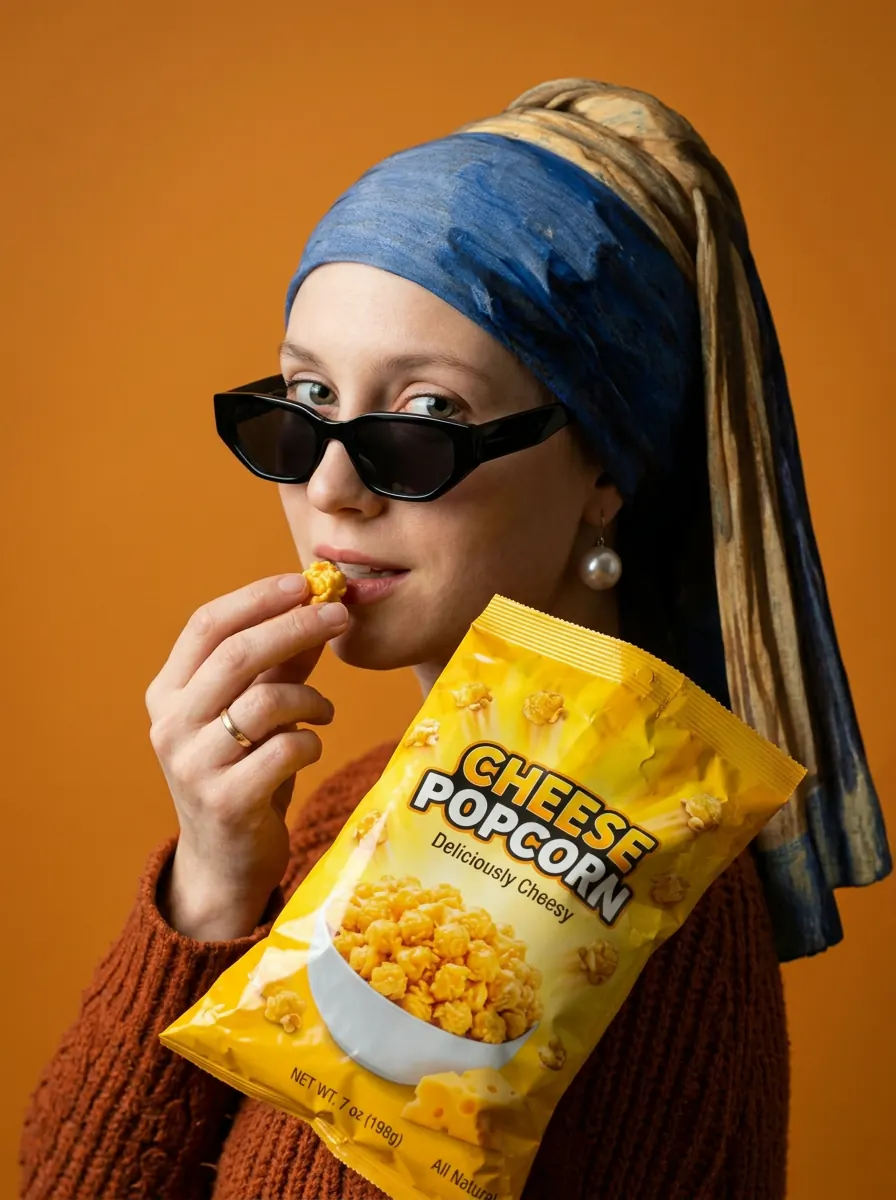
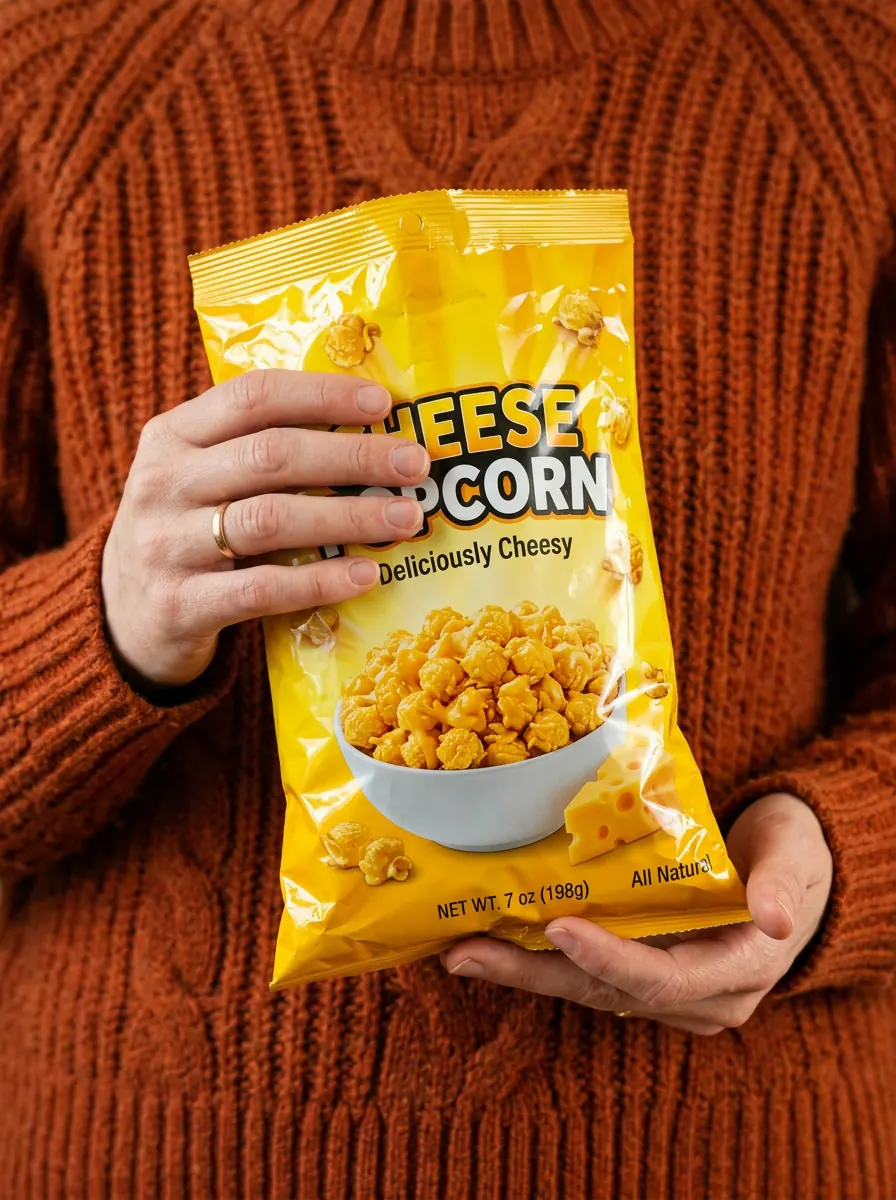
“Make it a Vermeer-style ad. Keep the bag.”
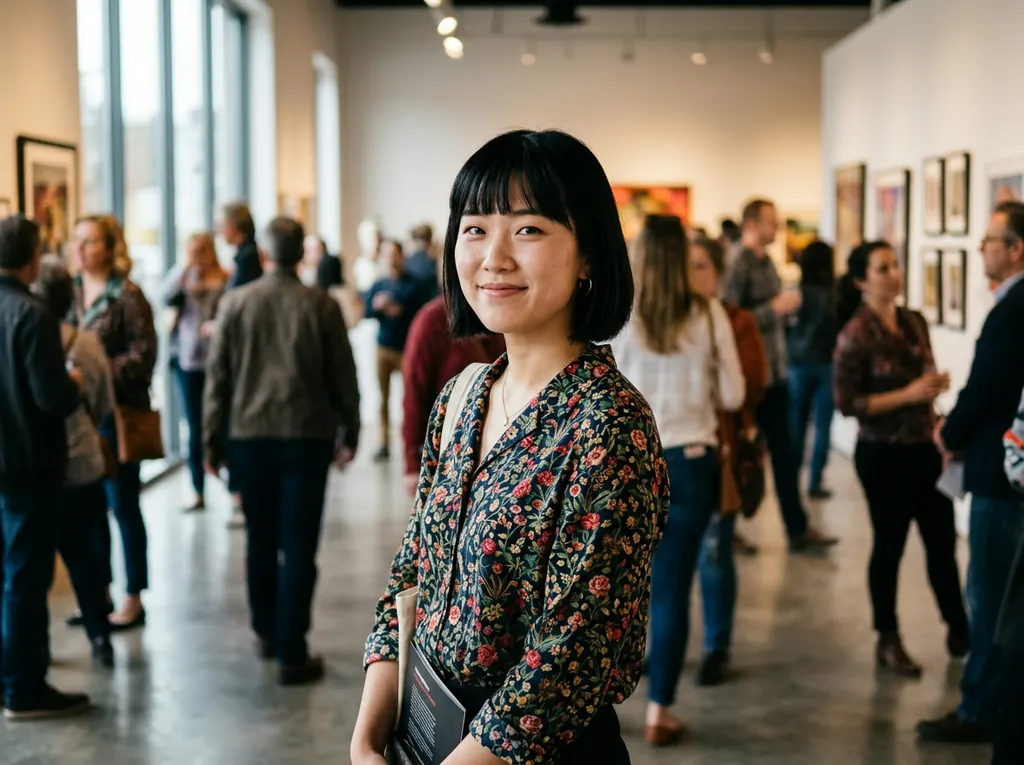
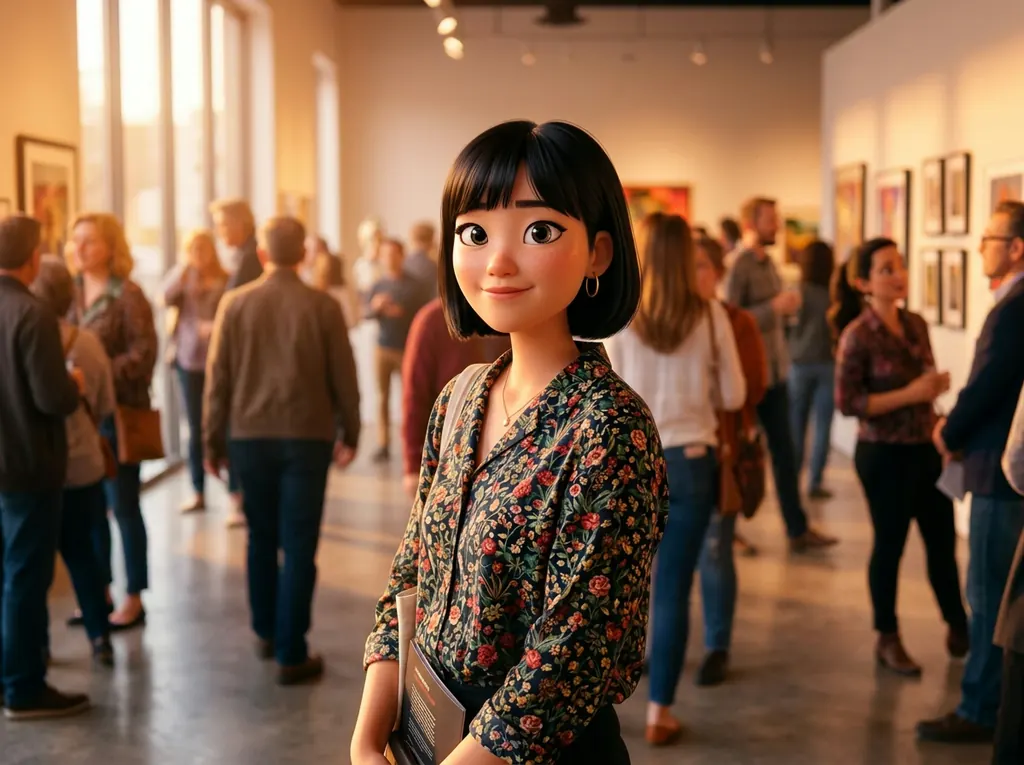
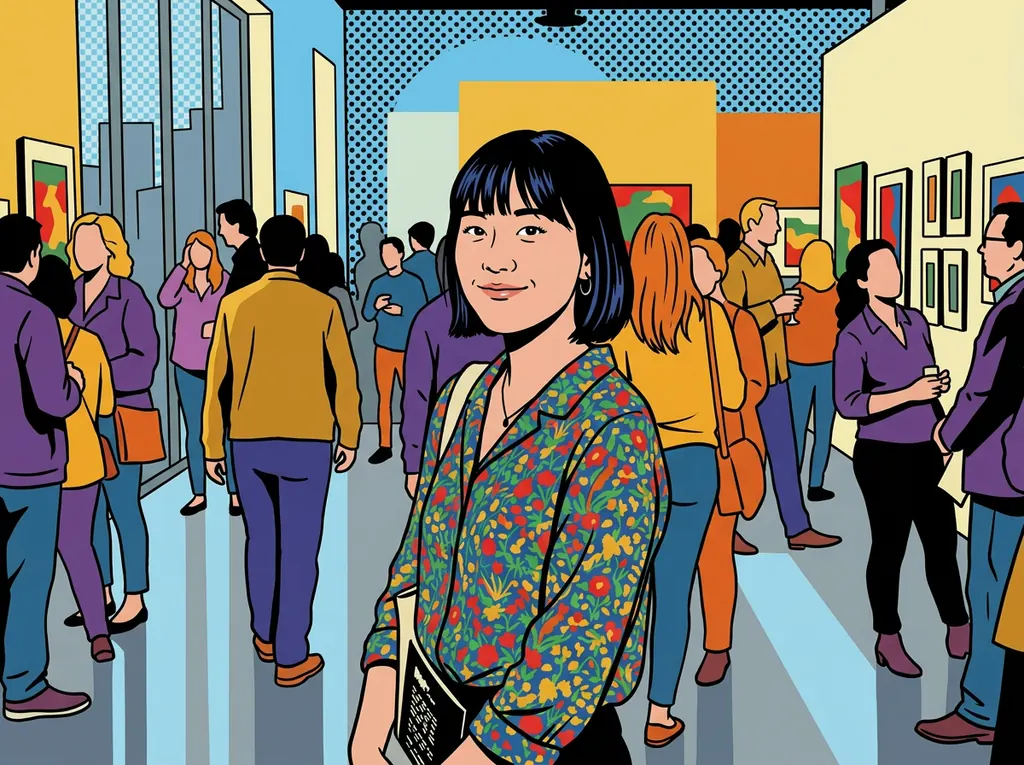
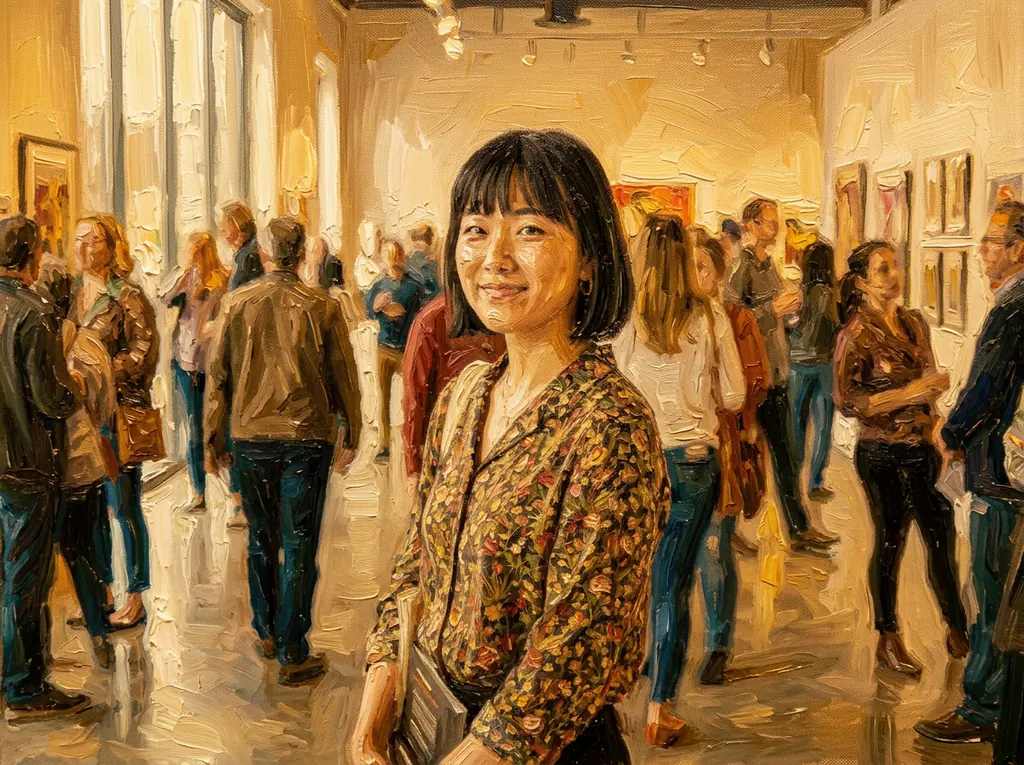
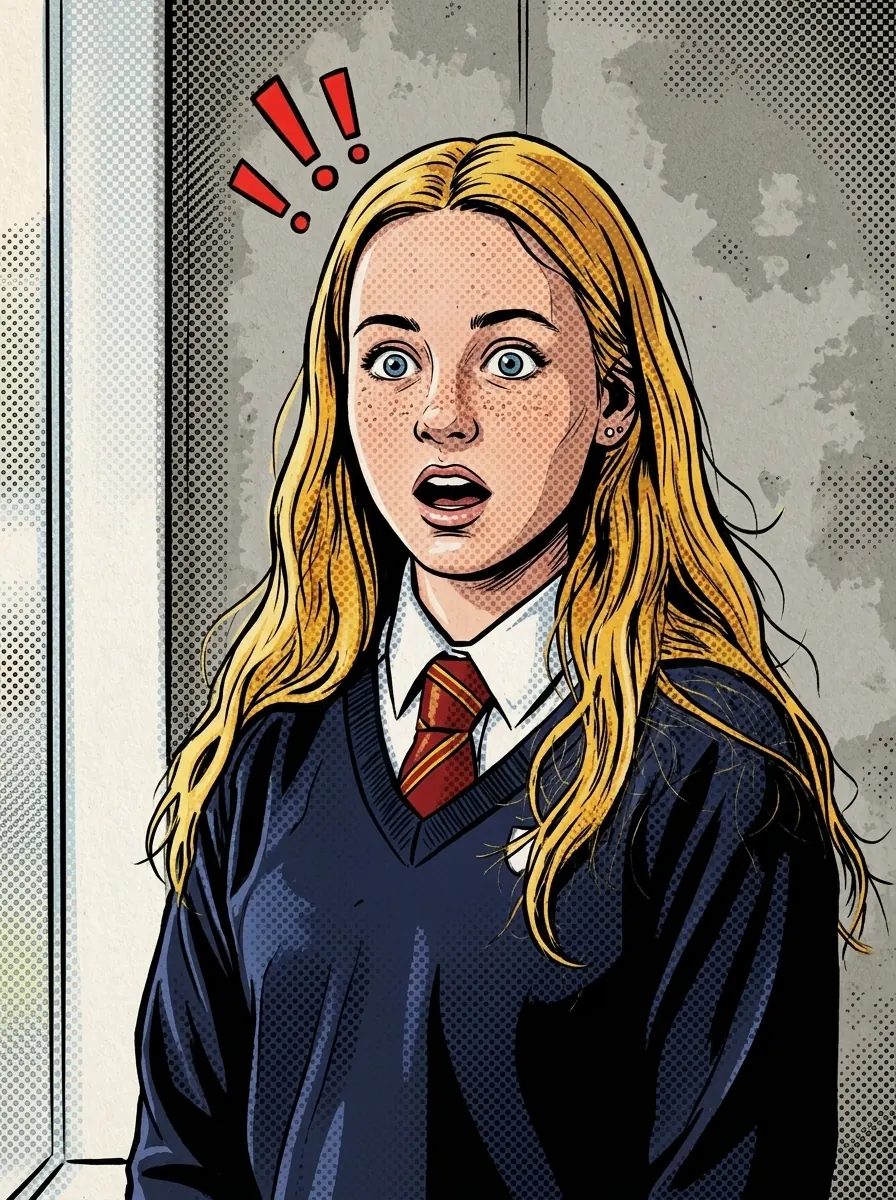
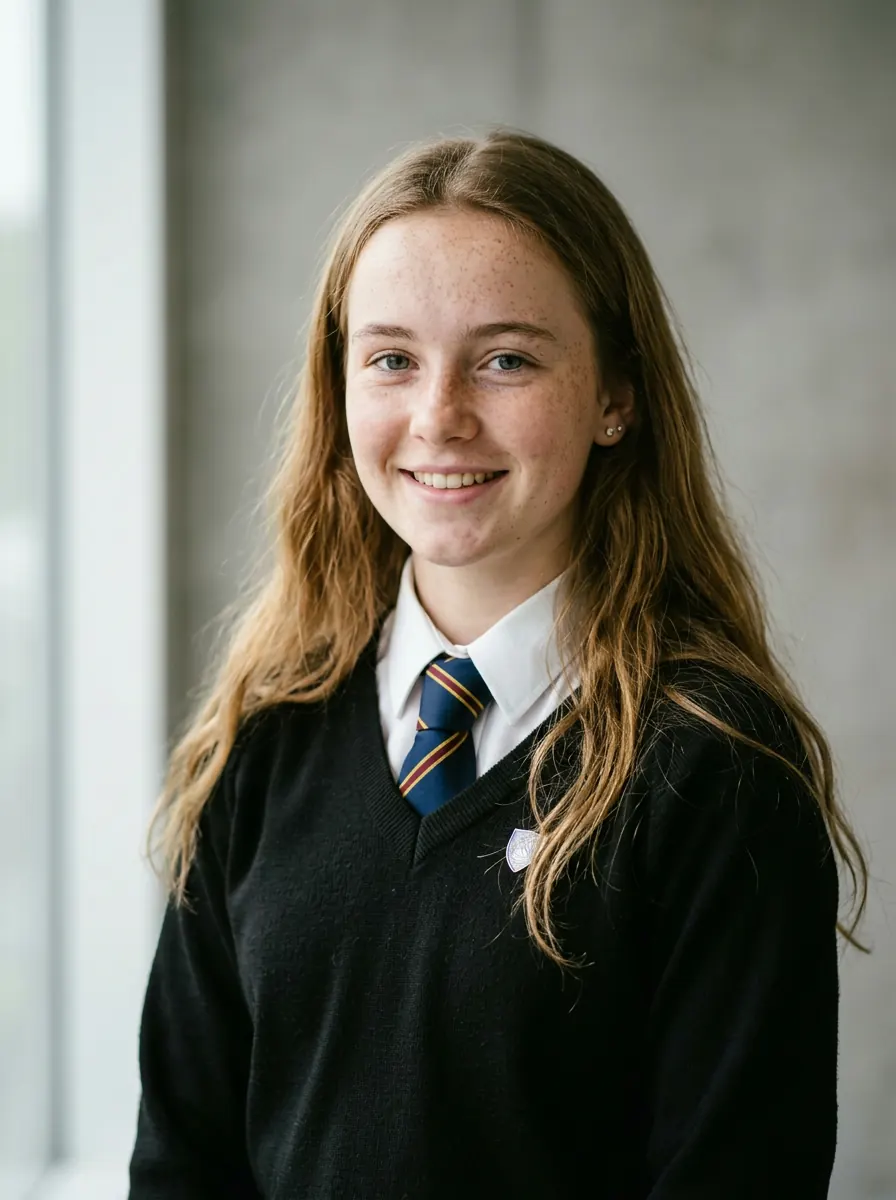
“Redraw as an American comic, ink and halftone.”
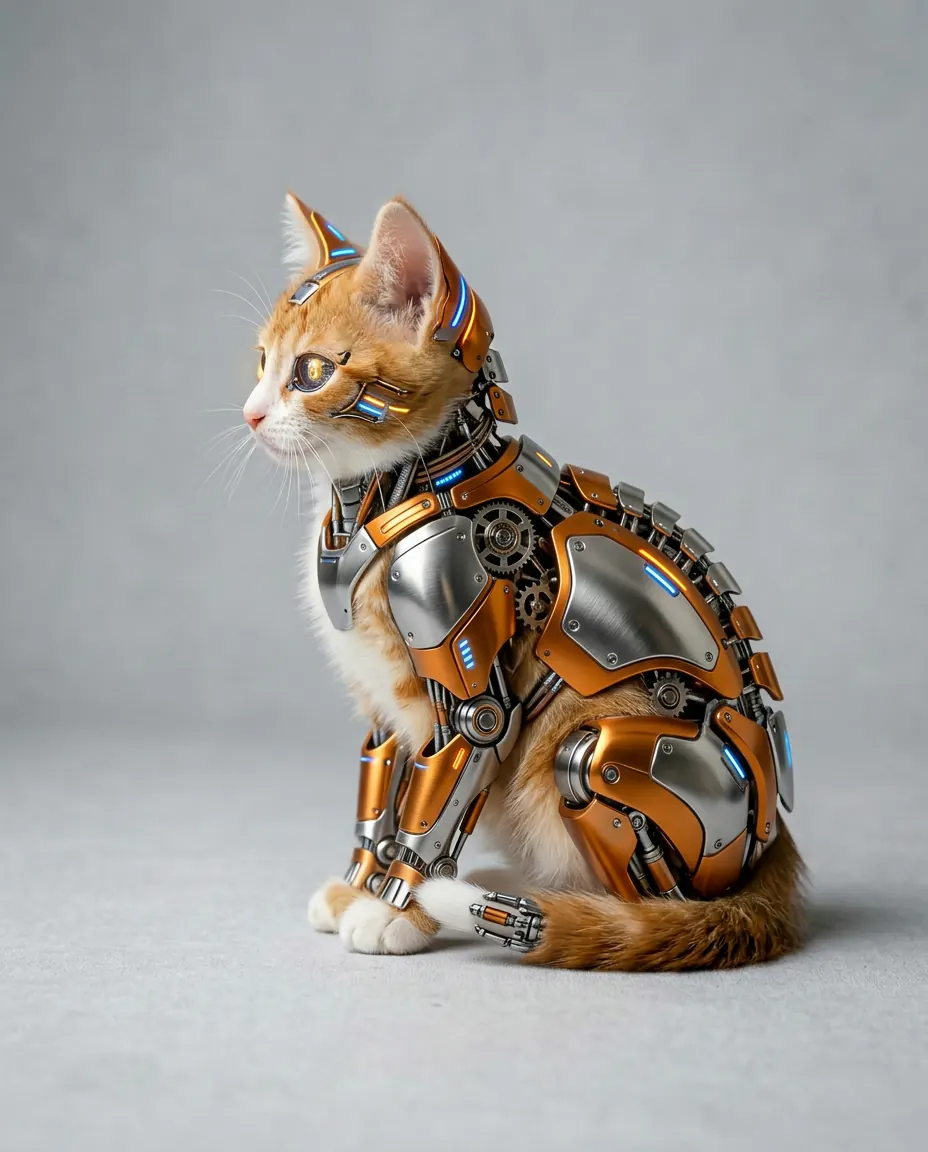
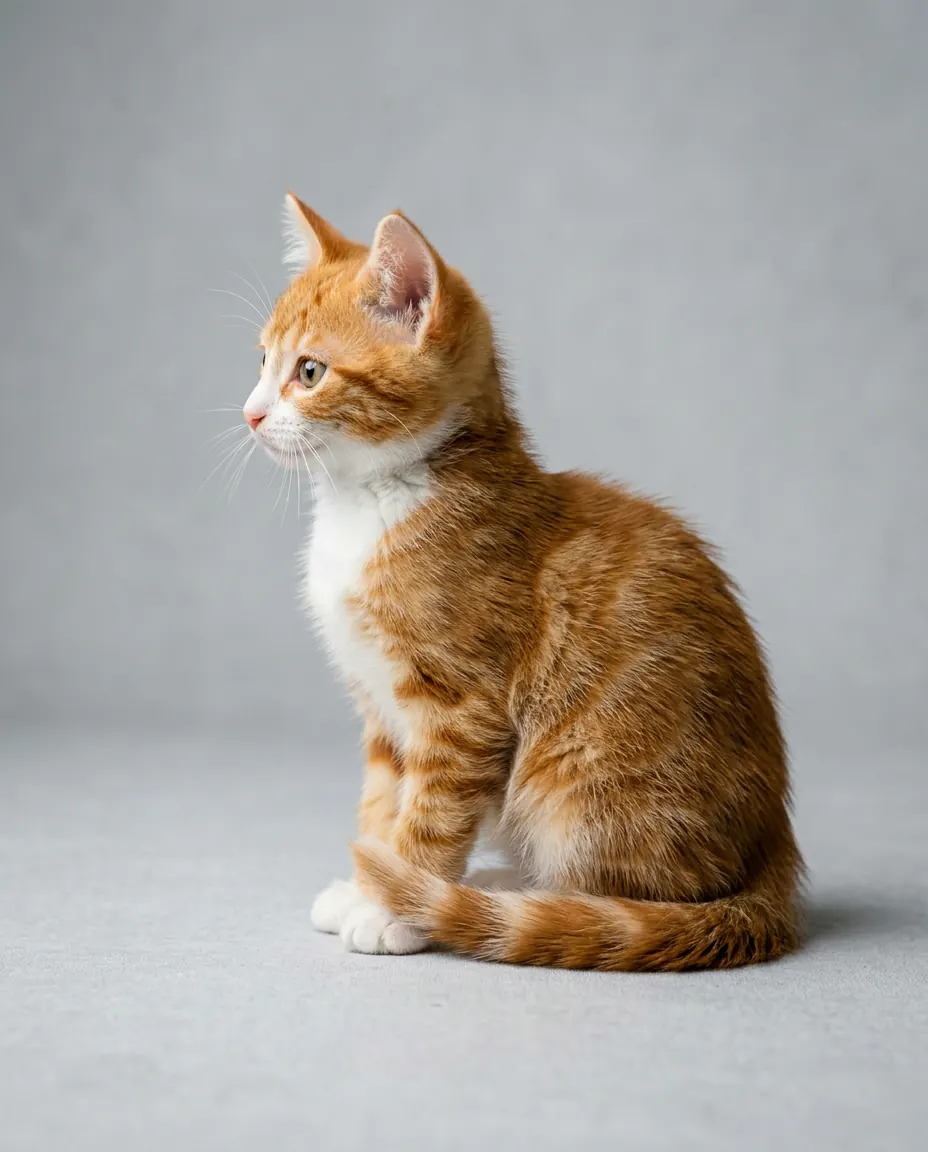
“Make the kitten half fur, half armor.”
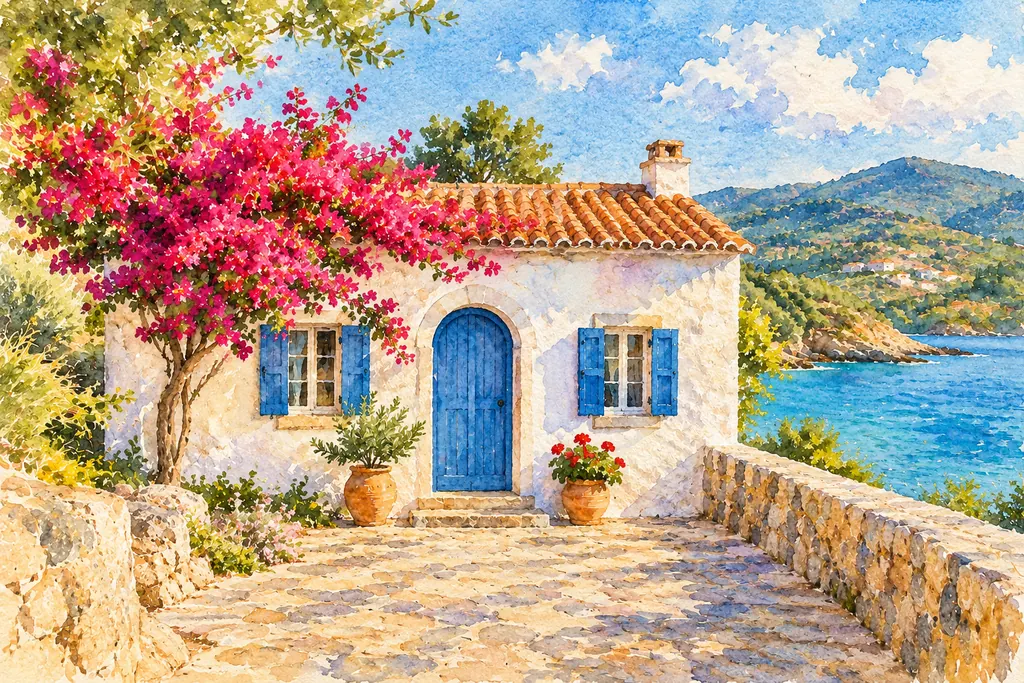
Turn a photo into watercolor
Try It Without Signing Up
Upload a photo, describe the change in one sentence, and generate 1 Standard image at 1K for free. No sign up or login is needed. This guest trial does not reset daily; keep cookies enabled to access your result and download it.
Try your free imageFree vs Advanced: What You Get Without an Account
Standard
Standard outputs at 1K. Your first guest image is free. Sign in for the daily free allowance shown in the editor; after that, each Standard image costs 1 credit.
Advanced
Advanced requires sign-in and always uses credits: 4 for 1K, 8 for 2K, or 16 for 4K per image. The guest trial and daily free allowance do not cover Advanced.
Free and paid downloads have no added visible brand watermark. Model-provided invisible watermarks or provenance metadata may still be present.
PricingAI image to image from a reference photo
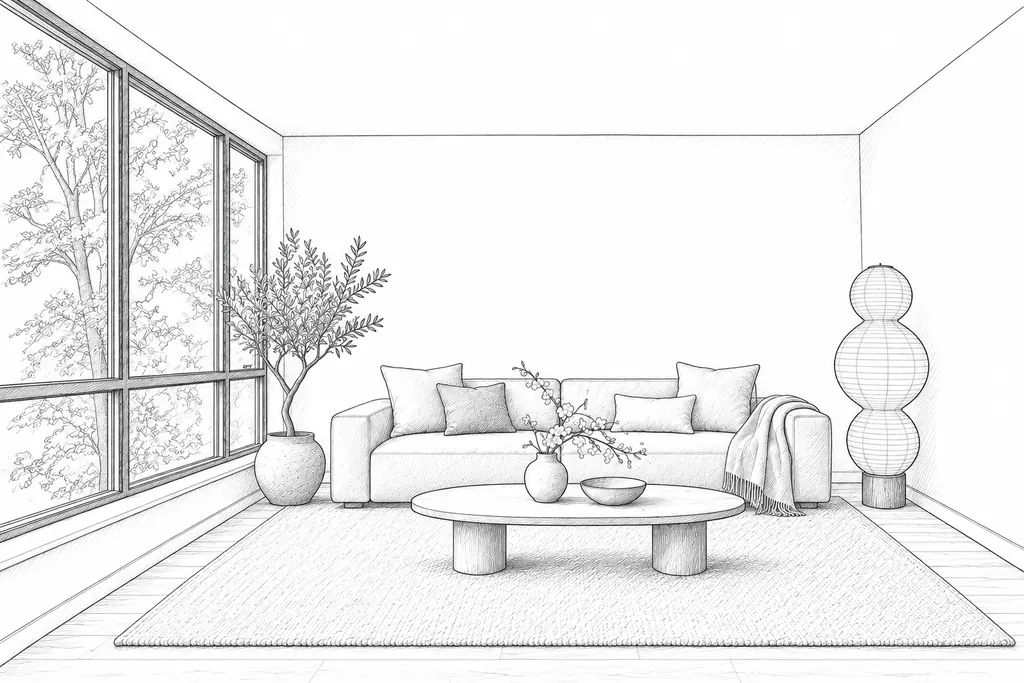
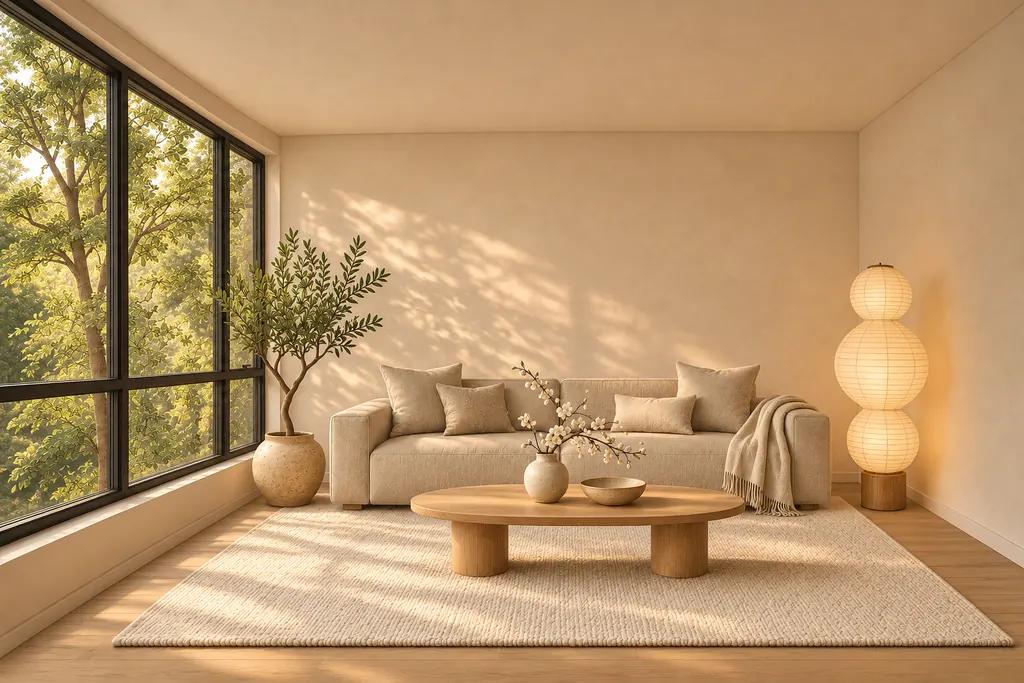
Image-to-image editing begins with a picture you already have. The picture carries what is hard to put into words: a face, the outline of a bottle, where the furniture stands. The prompt only has to say what changes. For a short animated version, try image to GIF with one small movement and a still background.
Image to image
Use it when a subject or a layout is worth keeping. The source is a starting point, and the model can still redraw details, so compare them.
Text to image
Use it for a new idea that does not have to match a real person, object, or room. With words alone, the model decides the shape and the framing. This editor needs a source image.
Image to Image AI: Room, Portrait, Product, Pet
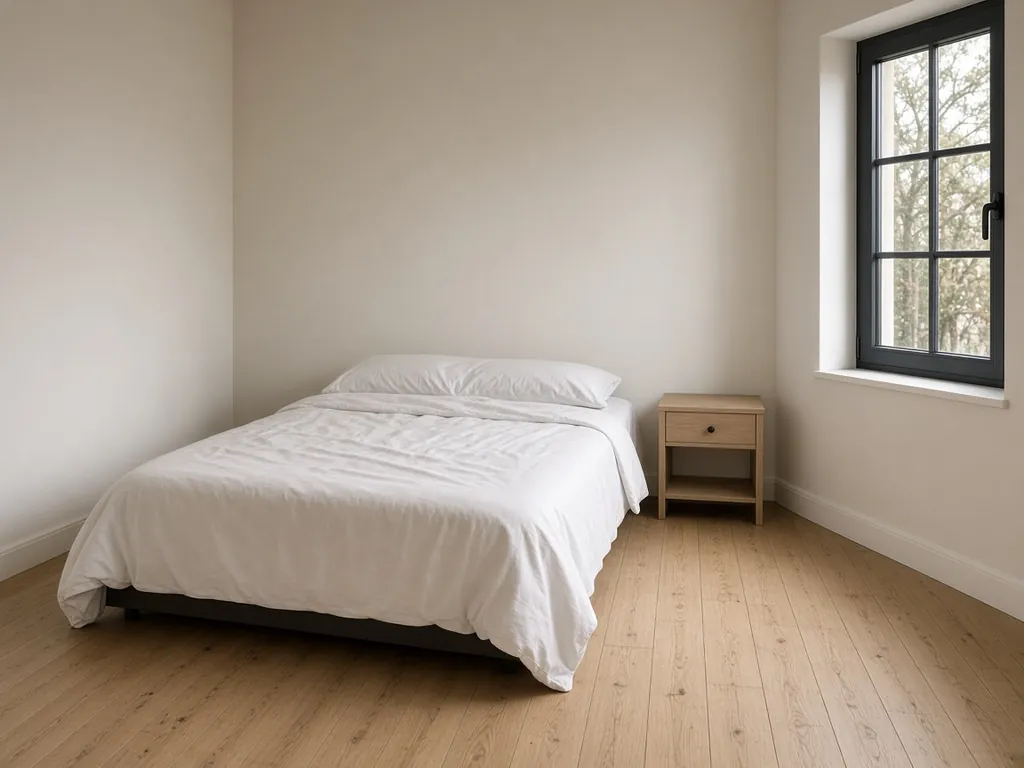
Rooms and sketches
Shoot straight on, with the walls, windows, and floor lines visible. A render shows a style, not measurements.
AI room design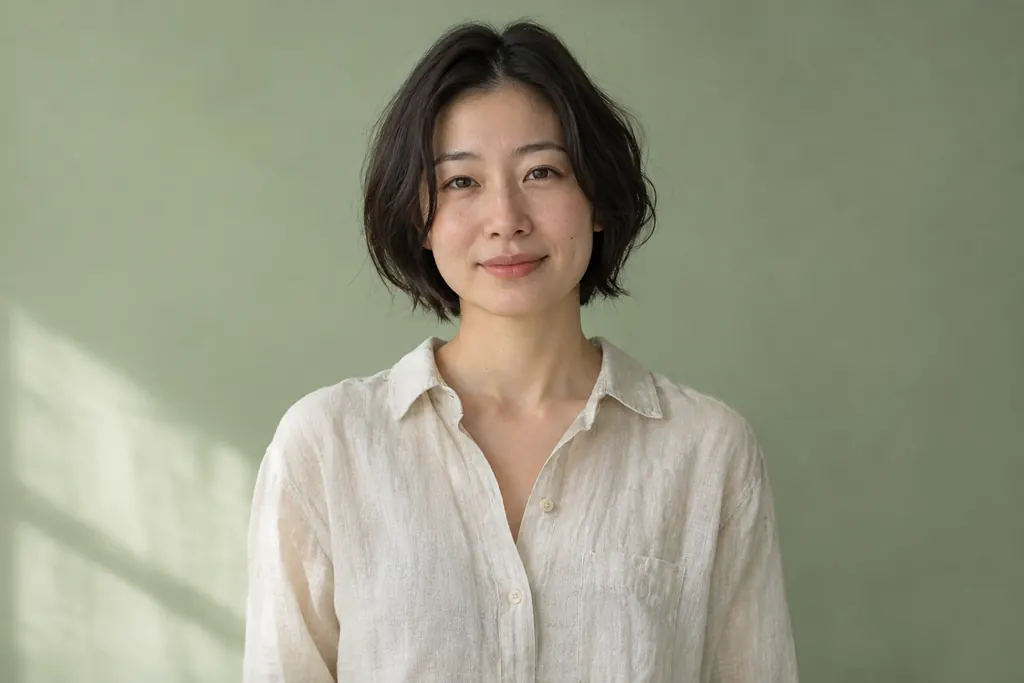
Portraits
Pick a well-lit face with visible eyes. Ask to keep the expression, hairstyle, and pose while changing the style or background.
Try portrait image to imageProducts
Keep the whole product in frame, with clean edges. Check labels, small text, and reflections before you use the result.
Try AI product photography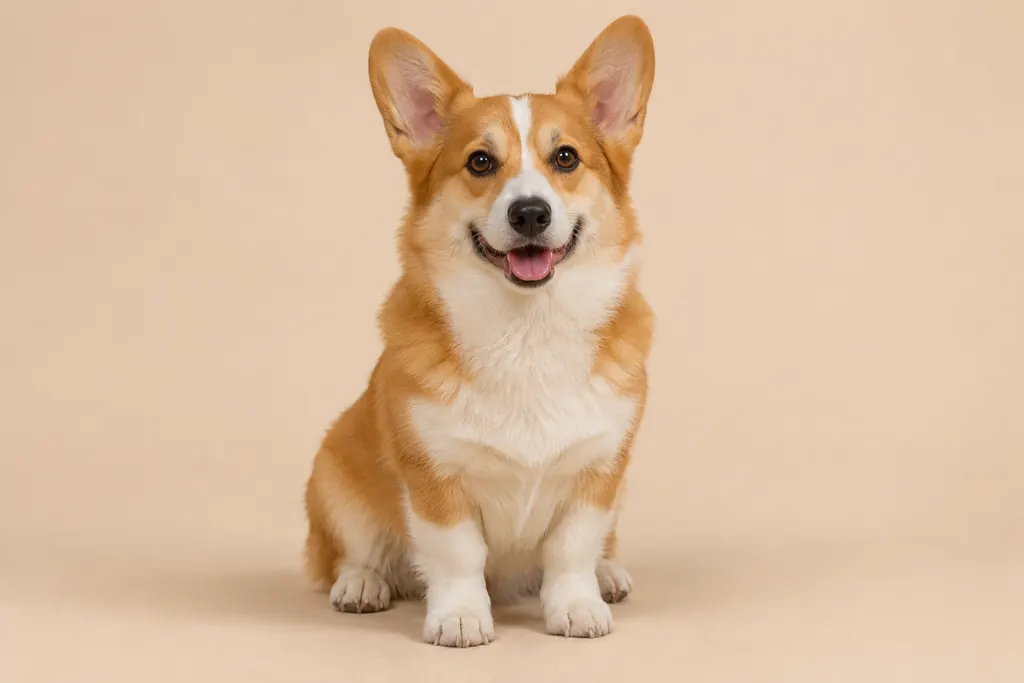
Pets
Use a clear photo with the eyes, ears, and fur markings visible. Describe a new setting or art style and name the features to keep.
Try pet image to image
Use the clearest version, with the whole subject in frame. Blur, tiny faces, and clipped edges leave the model to invent what is missing.
For portraits and pets, use photo to GIF to try a small head tilt. Preview the loop to check faces, fur and edges.
How to use the AI image to image generator in 3 steps
Change: Replace the plain background with a warm botanical scene and a pale stone surface.
Say what to change. Start with the edit that matters most, so you can see what it does to the subject.
Stays: Keep the amber bottle, the round black cap, and the centered framing unchanged.
Name what stays: a face and its expression, a product’s outline and label, a room’s windows and perspective.
Change: Use soft afternoon light, with no leaves covering the bottle.
Describe the finish: watercolor washes, wool texture, warm light from the left. Ask for one image, not a collage.
Keep a separate copy of your original. If the subject drifts, go back to it and change one instruction at a time, instead of editing the result again.
AI product photography: backgrounds and detail
When the product must stay exact
Prompt
Place this perfume bottle on a travertine plinth with olive foliage and warm afternoon light. Preserve the bottle shape, black cap, amber glass and centered framing.
This editor regenerates the whole image from your photo and prompt. It currently has no protected selection, mask, or layer compositing. A request to preserve a product guides the model; it does not lock the original pixels.
Scene concepts
Explore settings, surfaces and lighting when some product variation is acceptable. Start with one change and inspect every result against the source.
Exact product images
For a listing that must match the actual SKU, keep the original product pixels. Logos, label text, exact colors, contours and part counts need a cutout and compositing workflow outside this editor.
Product photo backgrounds: cut out, generate, composite
- In a layer editor, isolate the product from the original photo with a precise mask. Keep its original size and pixels; inspect transparent and reflective edges carefully.
- Generate the background separately with an empty space for the product. Match the source photo’s perspective and light direction.
- Place the original cutout above the background in the layer editor. Add contact shadows on separate layers and avoid repainting or recoloring the product.
Before publishing, inspect at 100%: logo, every line of small print, contour, color and number of parts. Transparent glass may retain the old background; a mask alone may not produce a natural composite.
Look closer at the product
This recorded run changes the bottle’s scale and framing. It has no logo or small print, so it cannot demonstrate their preservation. Compare the actual details below.
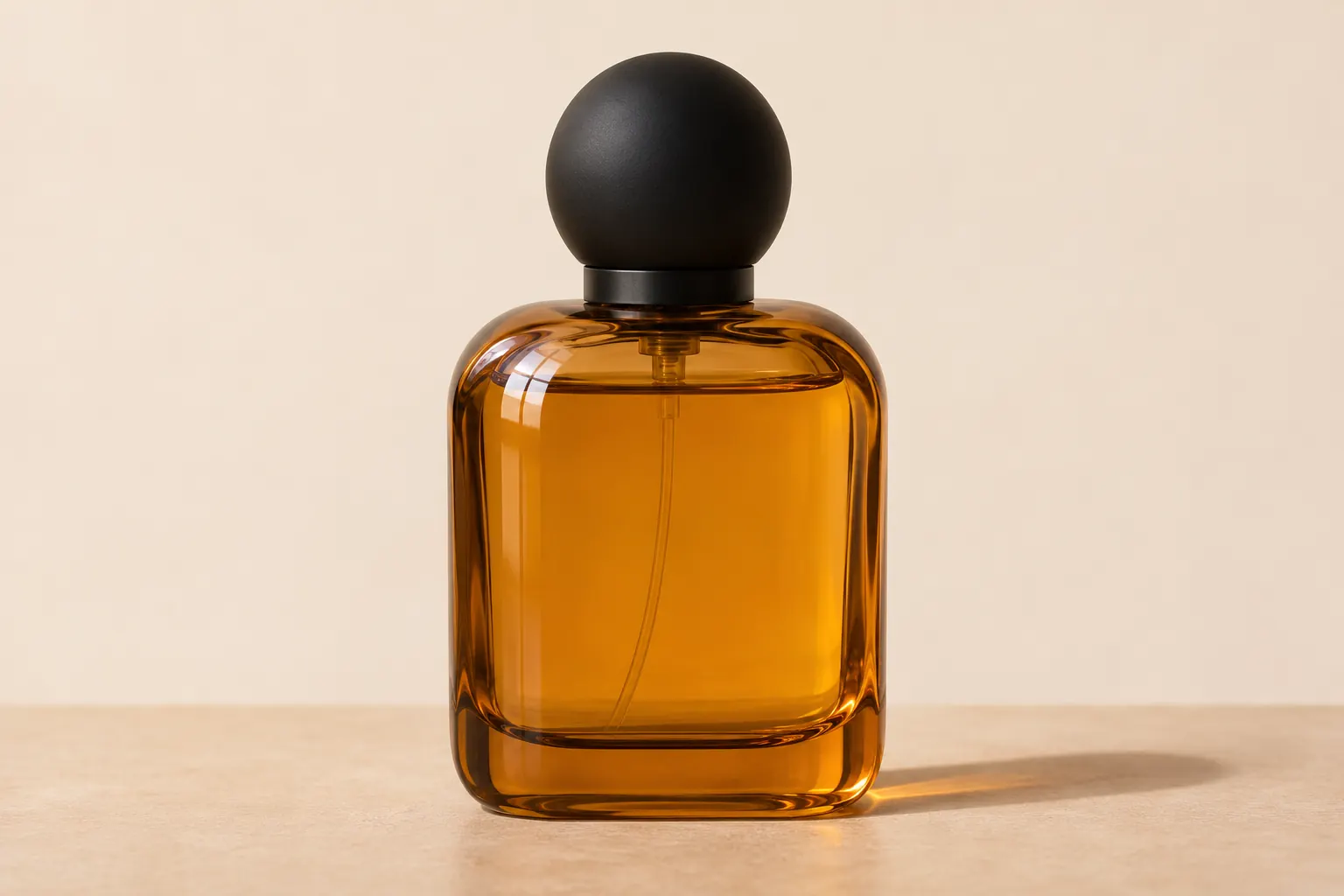
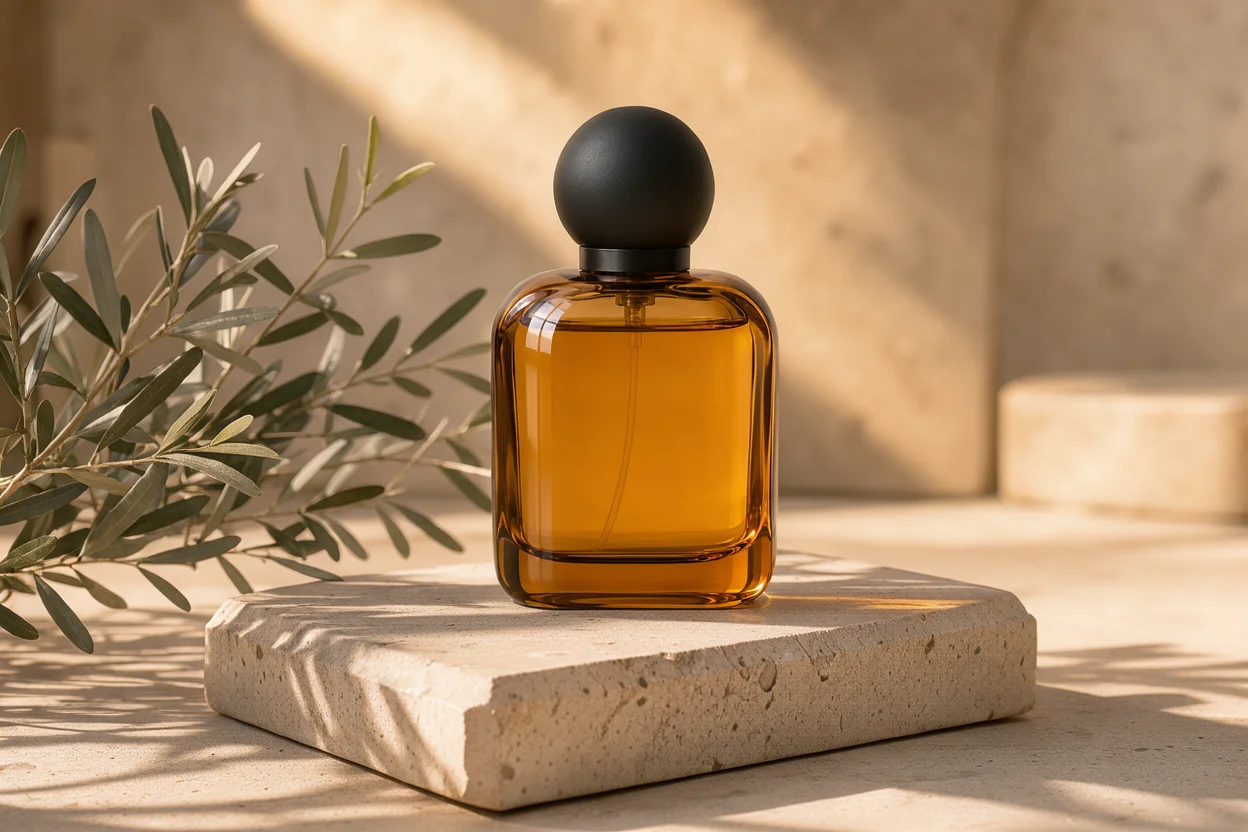
Crops are aligned at different magnifications for inspection. Compare the shoulders, base, cap and single visible tube; the full frames above show the actual change in scale.
Free generations & downloads
- How often does the free allowance renew?
- Start with free Standard images every day. No subscription needed. You can also try one Standard image without signing in. This guest trial does not reset daily. Account allowances reset at 00:00 UTC with no rollover. Advanced requires sign-in and credits.
- Can free users download their images?
- Yes. Completed images, including your free guest Standard image, can be downloaded at no extra charge. Keep cookies enabled to access a guest result and save it to your device; the editor does not provide a permanent image library.
- Do free or paid downloads have visible watermarks?
- We do not add a visible AI Image to Image logo or brand watermark to free or paid downloads. We deliver the file returned by the model. Invisible watermarks or provenance metadata, such as C2PA Content Credentials, may still be present; we do not strip them.
- What resolution and file format can I download?
- Each generation produces one image. Standard offers 1K; Advanced offers 1K, 2K or 4K. We request PNG output. If the image service returns JPG or WebP, the download keeps that format. Downloads retain the returned dimensions; exact pixel sizes depend on the model and aspect ratio.
- Does higher-resolution output cost extra?
- Downloads have no separate export fee. Standard 1K uses the daily free allowance first, then costs 1 credit per image. Advanced costs 4 credits for 1K, 8 for 2K and 16 for 4K, with no free allowance. Select the resolution before generating; its cost already includes downloading that result.
- Can I use generated images commercially?
- Free and paid images may be used commercially only where you have the necessary rights to the source image and depicted content, and your use is permitted by the applicable model/provider terms and law. Payment does not clear third-party copyrights, trademarks or likeness rights. We do not guarantee exclusivity, copyright protection or non-infringement. See the Terms of Service for the applicable providers and conditions.
Questions
What is AI image to image?
Image-to-image AI creates a new image using an existing picture and your written instructions. Unlike text-to-image generation, it has a visual reference to help guide the subject, composition, and details.
What can I edit with an AI image to image generator?
Portraits and pets, product photos, rooms and sketches, and old photographs. Pick a clear source with the whole subject in frame: a well-lit face, a product with clean edges, a room shot straight on, or a print scanned in even light. The result is a new rendering, not a measurement. Where damage erased a detail in an old photo, the restored version is a guess.
Can I change a product photo’s background without changing its shape, color or logo?
This editor can explore new product scenes, but it redraws the whole image and has no protected selection or mask. Shape, color, logo, small print and part counts may change. The recorded perfume example has no logo or label text and does not verify their preservation. For strict fidelity, isolate the original product in a layer editor, generate the background separately, then composite the original pixels over it and inspect the result. That cutout-and-composite workflow is not available inside this editor.
How do I use the AI image to image generator?
Upload one source image and try Standard once for free without signing in. Say what to change, name what stays, and describe the finish. Compare the result with your original. Sign in for more generations or to use Advanced. The editor shows the cost before you submit.
Is this generator free?
Yes. Try one Standard image for free without signing in. This guest trial does not reset daily. Sign in to use the daily free Standard allowance shown in the editor, resetting at 00:00 UTC with no rollover. After it, Standard costs 1 credit per image. Advanced requires sign-in and always uses credits: 4 for 1K, 8 for 2K and 16 for 4K per image. Confirmed failures restore used attempts or credits.
Can I use it with no sign up?
No account is needed to generate and download one free Standard image. Sign in to generate more images or use Advanced. Guest trials are limited to one per network; keep cookies enabled to view and download your result. Signed-in accounts have the daily allowance and credit balance shown in the editor.
Can I generate unlimited images?
No. Free Standard generations have a daily limit. Additional Standard generations require credits, and Advanced always requires credits. Only one task can be processing per account at a time. If a task is still running, check its status rather than submitting it again. A connection problem does not necessarily mean the image service failed, so an unconfirmed submission can keep its allowance or credits reserved.
How do I keep the original subject?
Name the details that matter: the person's facial features and hairstyle, the product silhouette and color, or the room's architecture and camera angle. Then request one focused change. Compare the result against the original, especially small text, faces, and edges. If details drift, return to the original and simplify the prompt. The reference guides generation, but exact identity or pixel-for-pixel preservation is not guaranteed.
Which images can I upload?
Choose one JPG, PNG, or WebP image up to 10 MB. Upload only images you own or have permission to edit. Your image is sent for processing when you generate, not when you select it.
Can free users download their images?
Yes. Completed images, including your free guest Standard image, can be downloaded at no extra charge. Keep cookies enabled to access a guest result and save it to your device; the editor does not provide a permanent image library.
Do free or paid downloads have visible watermarks?
We do not add a visible AI Image to Image logo or brand watermark to free or paid downloads. We deliver the file returned by the model. Invisible watermarks or provenance metadata, such as C2PA Content Credentials, may still be present; we do not strip them.
What resolution and file format can I download?
Each generation produces one image. Standard offers 1K; Advanced offers 1K, 2K or 4K. We request PNG output. If the image service returns JPG or WebP, the download keeps that format. Downloads retain the returned dimensions; exact pixel sizes depend on the model and aspect ratio.
Does higher-resolution output cost extra?
Downloads have no separate export fee. Standard 1K uses the daily free allowance first, then costs 1 credit per image. Advanced costs 4 credits for 1K, 8 for 2K and 16 for 4K, with no free allowance. Select the resolution before generating; its cost already includes downloading that result.
Can I use generated images commercially?
Free and paid images may be used commercially only where you have the necessary rights to the source image and depicted content, and your use is permitted by the applicable model/provider terms and law. Payment does not clear third-party copyrights, trademarks or likeness rights. We do not guarantee exclusivity, copyright protection or non-infringement. See the Terms of Service for the applicable providers and conditions.
Are these examples made with this tool?
One recorded before-and-after perfume bottle pair was made with this editor on Standard · FLUX 3 Klein (2026-11-06); open that example to view the full generation prompt. The room design page shows two more recorded runs, both Advanced · GPT Image 2.6 Sunburst (2026-11-06): a furnished living room and a restyled bedroom, each with its source photo and full prompt. One Advanced output is also marked “Made with this tool” (its source photo and prompt were not kept). The snack ad, comic, and mechanical cat examples were generated with the same image service this editor runs on; no model or prompt was recorded for them. The remaining examples are illustrative. No example guarantees your result.